This page provides a collection of frequently asked questions and answers about G123.
G123 is a browser game platform where you can instantly play free games. No registration or downloads are required. You can enjoy fully featured browser games based on popular anime titles for free on any device: smartphone, PC, or tablet.
G123 is operated by CTW Inc., an internet company based in Tokyo. CTW Inc. is part of CTW Cayman Inc., a listed group on Nasdaq that operates browser game businesses both in Japan and overseas.
All titles distributed on G123 are produced under official license agreements and with proper supervision from the respective copyright holders.
G123 offers a wide variety of browser games, mainly RPGs, simulation games, and idle games based on anime IPs. One of its key features is that you can start playing instantly without installing anything, and enjoy the games seamlessly across multiple devices—for example, on a tablet at home or on your smartphone while out.
All titles distributed on G123 are produced under official license agreements and with proper supervision from the respective copyright holders.
All games on G123 are free-to-play. You can purchase in-game items as needed, following a “free-to-play with optional item purchases” model.
Should there be any titles that will be discontinued, advance notice will be provided along with a timeline until service termination. Please check the latest game updates for details on each title.
G123 games can be played directly in available web browsers—no downloads or app installations are required. You can start playing immediately without using any device storage.
G123 is an official browser game service operated by CTW Inc. CTW Inc. conducts its business through its holding company, CTW Cayman Inc. (a Nasdaq-listed group), providing services under established disclosure standards and compliance frameworks.
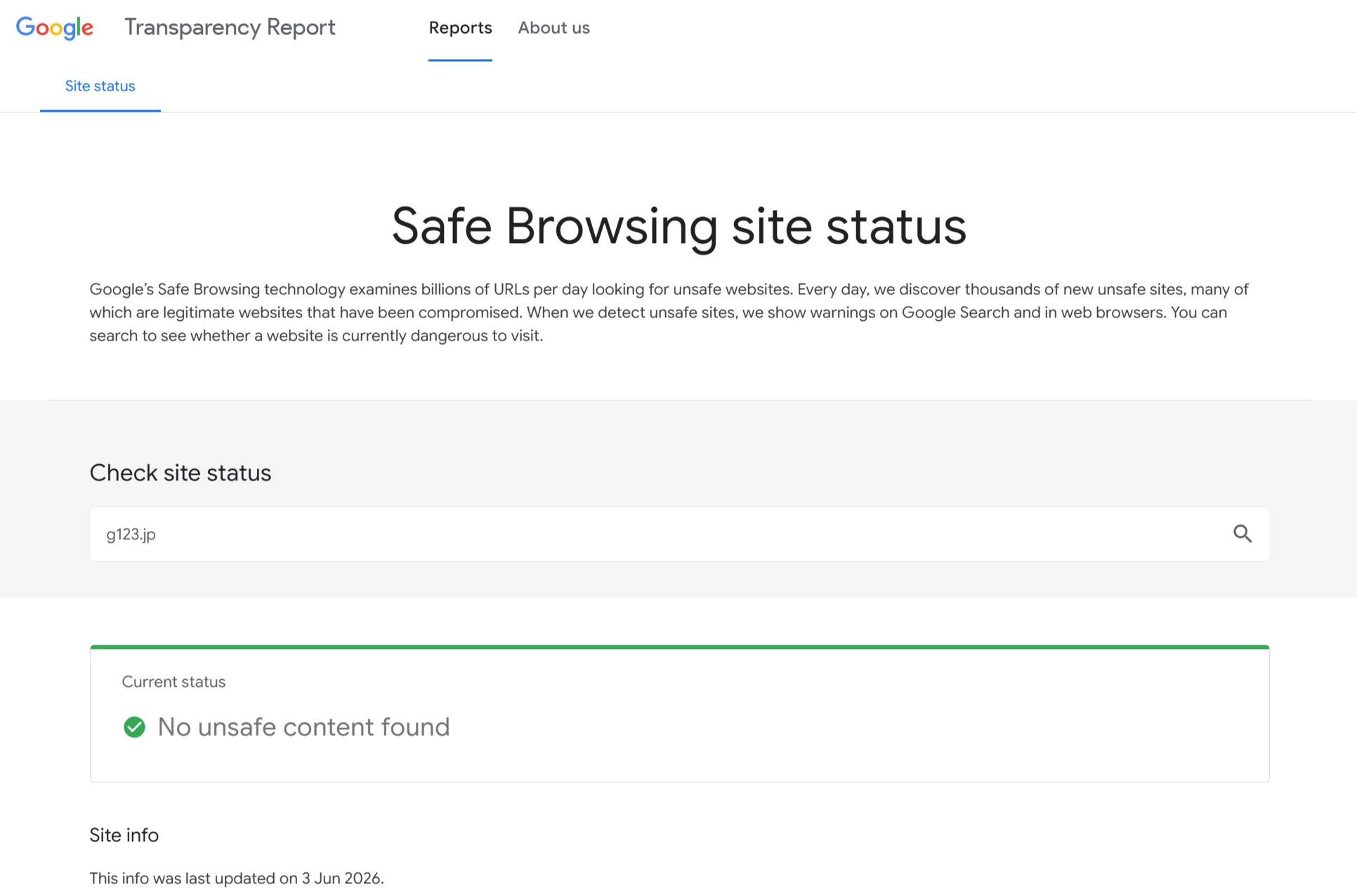
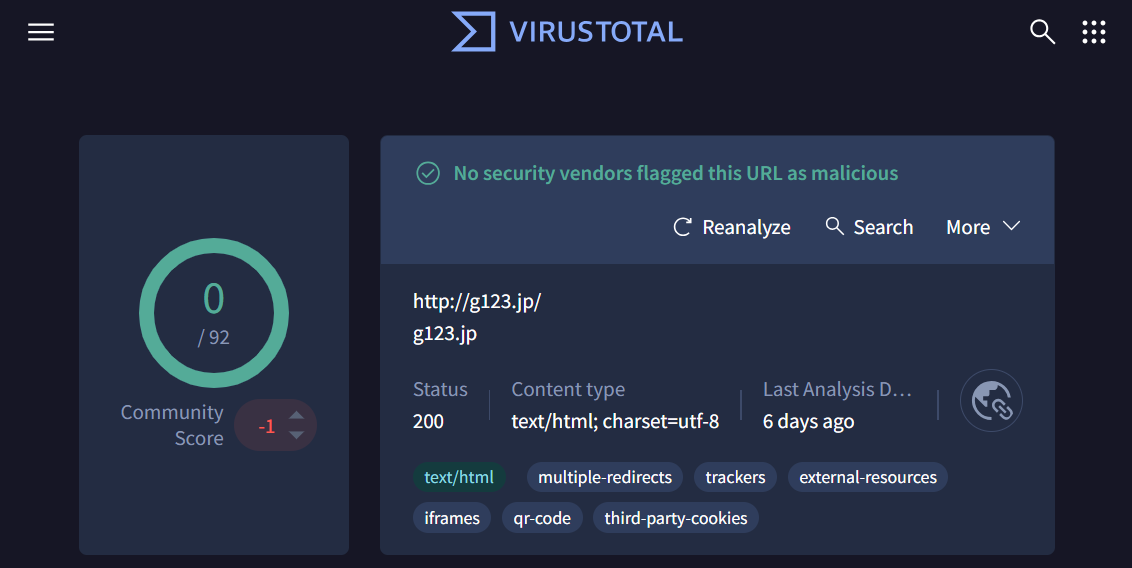
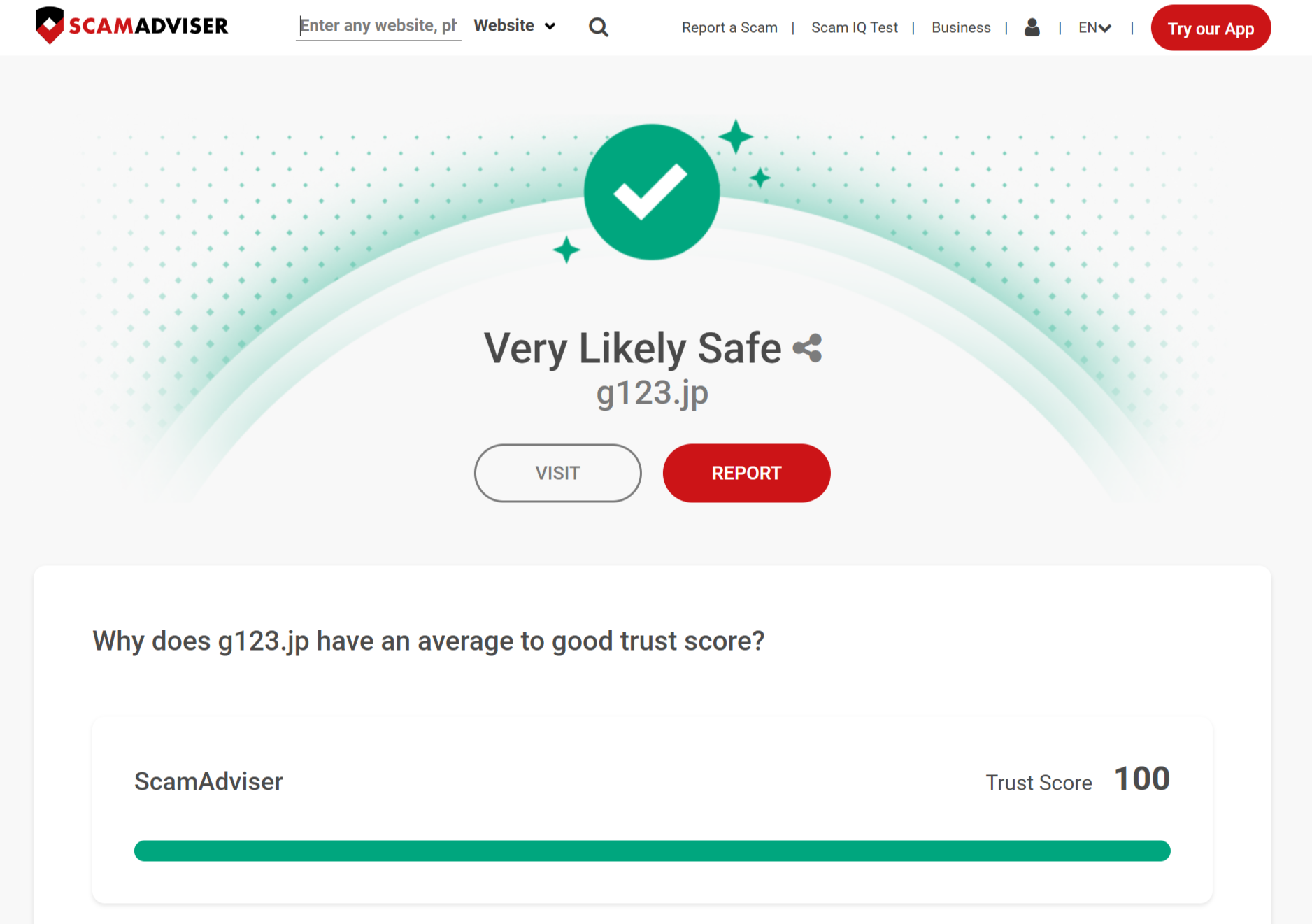
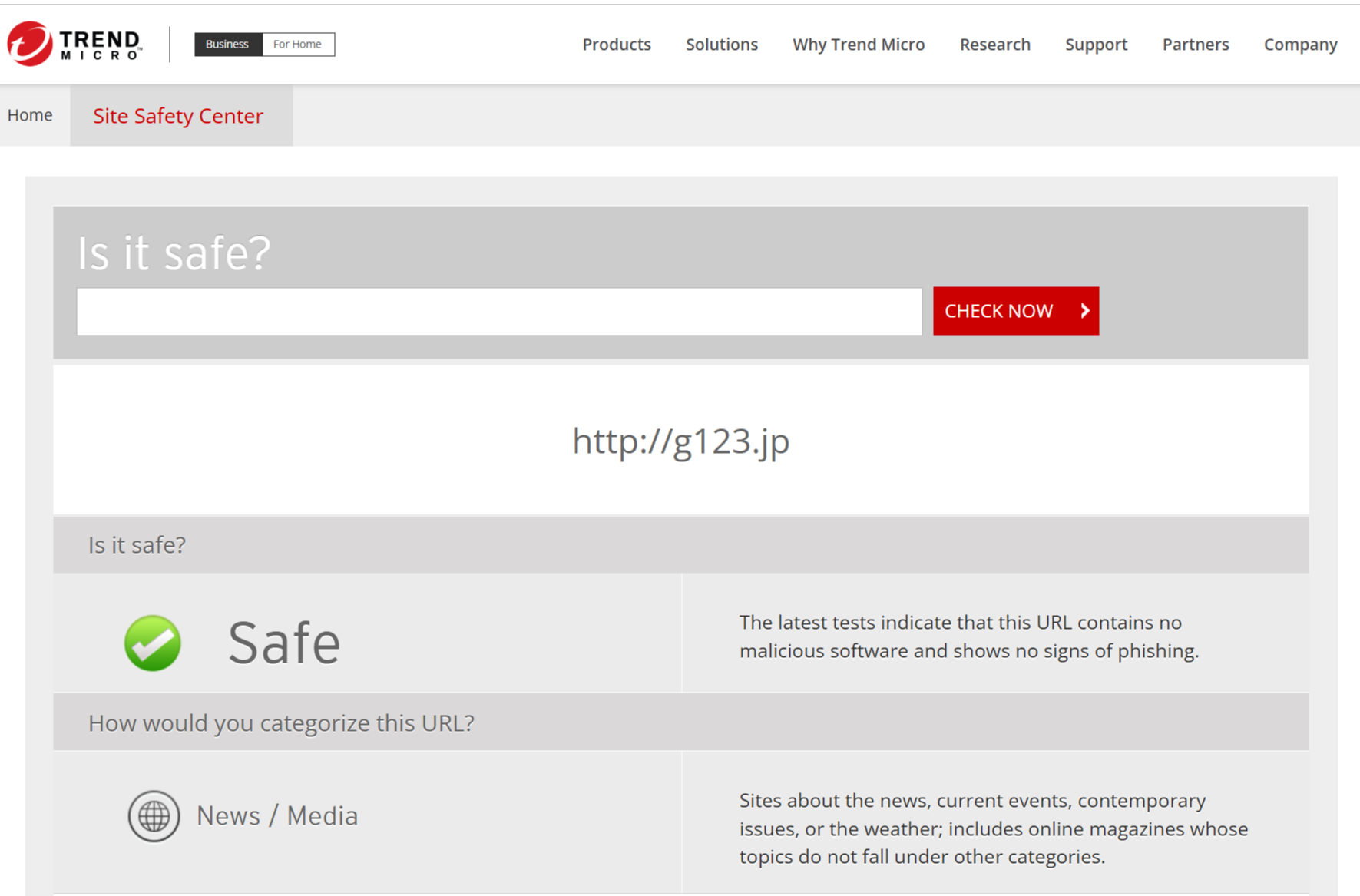
All communications are encrypted, and at no point will there be any need to install programs that could include viruses. Security measures are in place to prevent unauthorized access, allowing users to enjoy the service with peace of mind.
Additionally, CTW continuously implements and improves modern authentication methods, including Passkey, to ensure a safer and more secure environment for users.
G123 offers a wide range of games, from all-ages titles to those featuring character depictions, but none fall under NSFW in the general sense (excessive adult content).
In some regions (e.g., Taiwan), games are distributed only after receiving age-rating approval from local rating authorities. Furthermore, all titles on G123 are produced under official supervision from the copyright holders, ensuring that content and depictions are managed within the authorized scope. For detailed information about game content, please refer to each title’s rating information and description page.
On G123, you can link your account using Google, Apple, various social media accounts, or Passkey. To do so, go to “Account” → “Social Linkage” or "Settings" within any G123 game or on the G123 website, and follow the prompts.
If you are unable to log in, you can recover your account using your previous linked accounts or login information by going to “Settings” → “Account Recovery” within any G123 game or on the G123 website.
If you have made payments on G123 in the past, your account can also be recovered using your payment information. If these methods do not resolve the issue, please contact our customer support for further assistance.
Currently, G123 does not provide a method to delete or deactivate accounts. Simply discontinuing use of your account will effectively have the same result as leaving the service.
First, try restarting or reloading the page. If your account is linked, you can select the linkage method to re-login. If the issue persists, please contact support for assistance.
A G123 account is automatically created when you start a G123 game. You can begin playing immediately without needing to install anything or entering account information.
G123 Account Payment" shown on your billing statement is the payment descriptor for items purchased within G123 games. You can check your purchase history in-game by inquiring with support. If you notice any unfamiliar charges or have questions, please contact support for assistance.